
Thrupp Primary School
Internet Safety
Safer Internet Day 2023
This year's theme is 'Want to talk about it? Making space for conversations about life online.'
This year we are hoping to answer the following questions:
- What issues really matter to children and young people?
- What changes do they want to see?
- How can we all work together to advocate for them moving forward?
- Click here for top tips, advice on specific issues, videos and more from UK Safer Internet Centre.
Safer Internet Day 2022
This year's focus is 'All fun and games? Exploring respect and relationships online'.
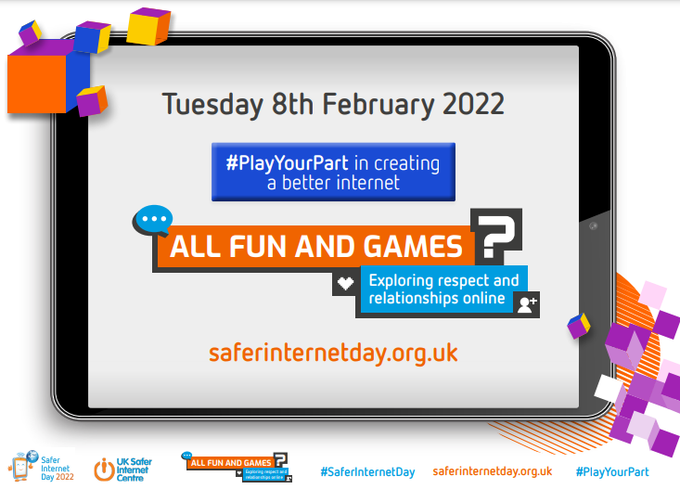
What does online respect mean to you? Watch this video with your child and talk about what they think online respect means.
Family Conversation Starters Video 1 - Safer Internet Day 2022
Below are some documents to support your child with internet safety at home:
Steps you can take to help keep your child safer online:
- Parental controls: Parental controls have been designed to help you manage your child's online activities. There are various types, some of which are free but others which can be bought. However, nothing is totally fool proof so they shouldn't replace the need for you to support and advise your child using the internet. For more information and step by step instructions on setting up parental controls, visit Parental Controls & Privacy Settings Guides - Internet Matters.
- Supervise their online activity: Keep the devices your child uses in communal areas of the house such as the living room or kitchen, where an adult is able to supervise. Primary-age children should not access the internet in private spaces alone, such as in a bedroom or bathroom.
- Explore together and chat little and often: Ask your child to show you their favourite apps, games and sites and encourage them to teach you how to use these. Ask them if anything ever worries them online. Make sure they know they won’t be in trouble and can get help by talking to you or another adult they trust if anything happens online that makes them feel worried, sad or scared.
- Make sure they know where to go for support: Remind your child they can always speak to you or an adult they trust if anything happens online that makes them feel worried or upset. For a breakdown of report services, visit: Supporting your child with reporting unwanted content online
- Take a look at Thinkuknow: Thinkuknow is the national online safety education programme from the National Crime Agency. Thinkuknow offers learning activities, advice and support for children and young people aged 4-18 and their families. The Jessie & Friends animations for 4 to 7s will help you start a conversation about online safety and for 8-10’s, there’s the Play Like Share animations and the Band Runner game and advice website .
- Help your child identify trusted adults who can help them if they are worried: This includes you and other adults at home, as well as adults from wider family, school or other support services who they are able to contact at this time. Encourage them to draw a picture or write a list of their trusted adults.
- Talk about how their online actions affect others: If your child is engaging with others online, remind them to consider how someone else might feel before they post or share something. If they are considering sharing a photo/video of somebody else, they should always ask permission first.
- Use ‘SafeSearch’: Most web search engines will have a ‘SafeSearch’ function, which will allow you to limit the content your child can access whilst online. Look out for the ‘Settings’ button on your web browser homepage, which is often shaped like a small cog.
Schoolbeat Top Tips for Safer Internet Day 2021
Please see below for some useful links on Internet Safety:
- Parent Zone There are parent guides for different apps and websites.
- UK Safer Internet Centre E-safety tips, advice and resources for parents and carers
- Google Be Internet Legends Support Be Internet Legends from Google and Parent Zone helps families to become safer and more confident explorers of the online world.
- Thinkuknow A website run by CEOP that contains information for children and parents.
- Digizen Digizen website provides information for educators, parents, carers, and young people. It is used to strengthen their awareness and understanding of what digital citizenship is and encourages users of technology to be and become responsible DIGItal citiZENS.
- Childnet Online Safety Activities Activities to do with your children at home
- Childnet This site helps parents keep their children safe online. It helps children to learn how to stay safe online with videos and guides.
- NSPCC Online Safety Helpful advice and tools you can use to help keep your child safe whenever and wherever they go online.